From sign-up to your first trip.
Follow the carQconnect journey, one step at a time.
HOW IT WORKS • SHORT VERSION
One setup.
Everyday confidence.
Choose your hardware
Pick a QR tag, a GPS tracker, or both for your vehicle.
Activate in the app
Link each device to the right vehicle and select your privacy preferences.
Drive connected
Use safety, tracking and support features when you actually need them.
Here is each step in detail.
Start withyour vehicle.
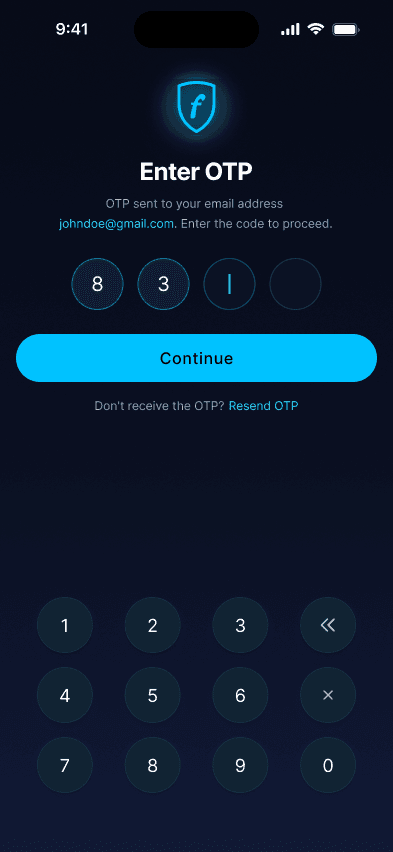
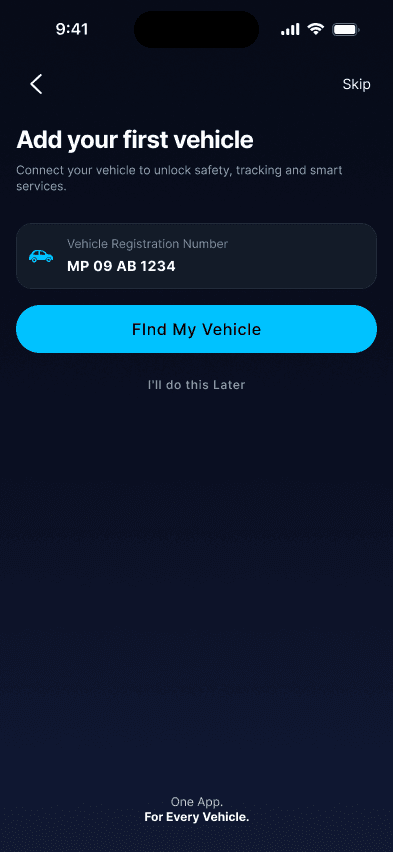
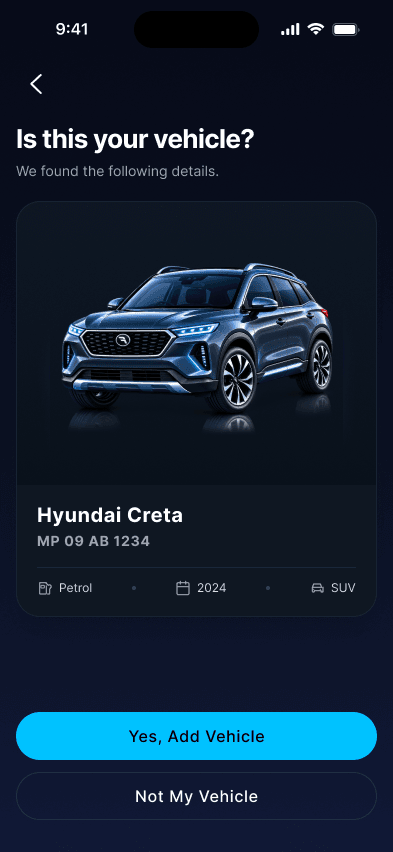
Sign up with your mobile number or email and verify with an OTP. Then add your vehicle to your Digital Garage with its registration number, make, model, fuel type and average.
Activate yourQR or GPS.
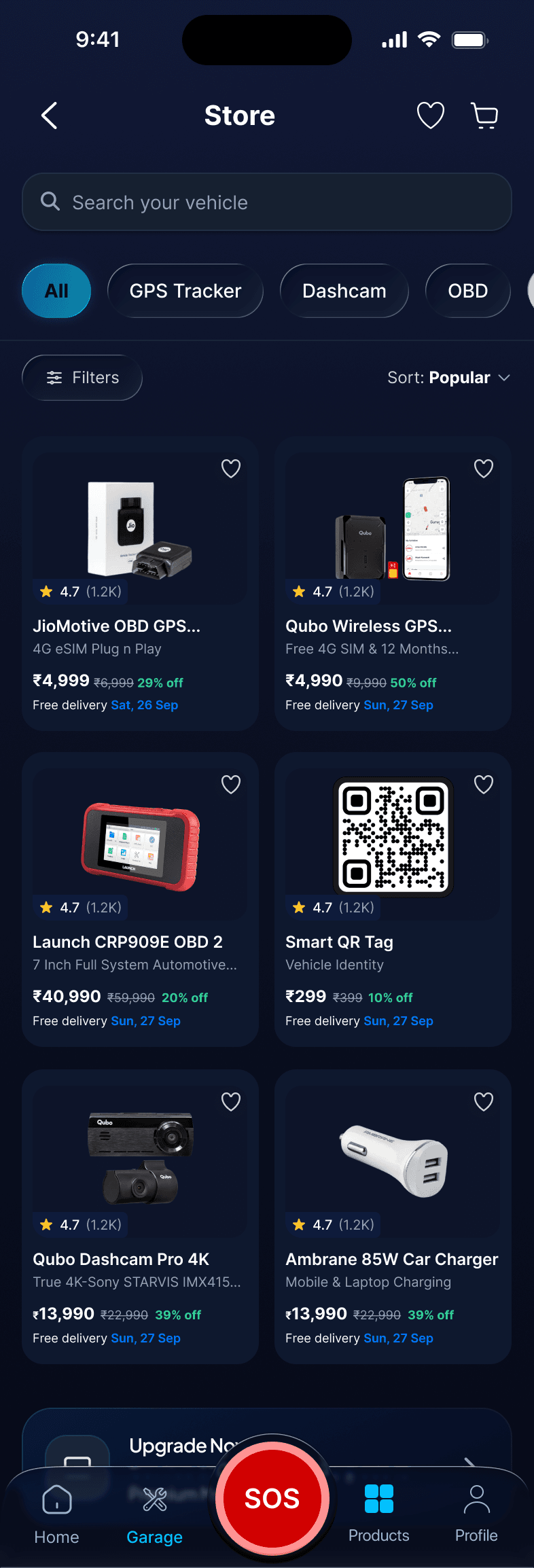
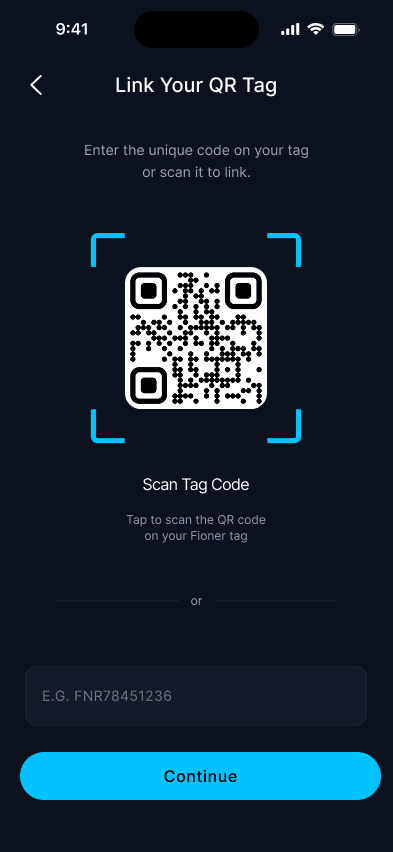
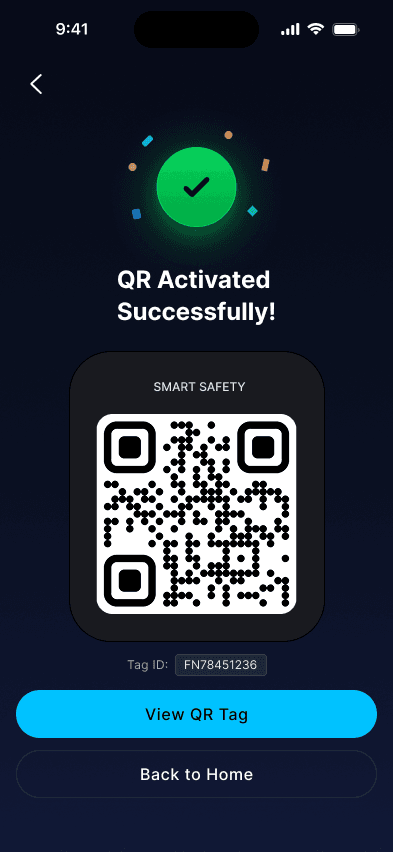
Order a QR Safety Tag or GPS Tracker in the app. After delivery, scan or enter the device details, choose your vehicle and confirm. Your hardware is now linked to it.
Stay safeeverywhere.
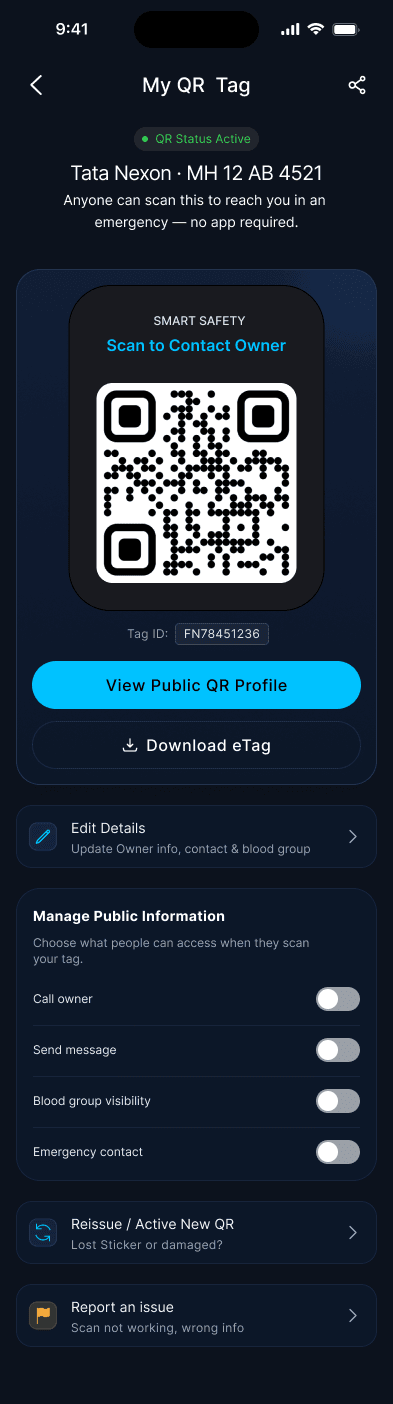
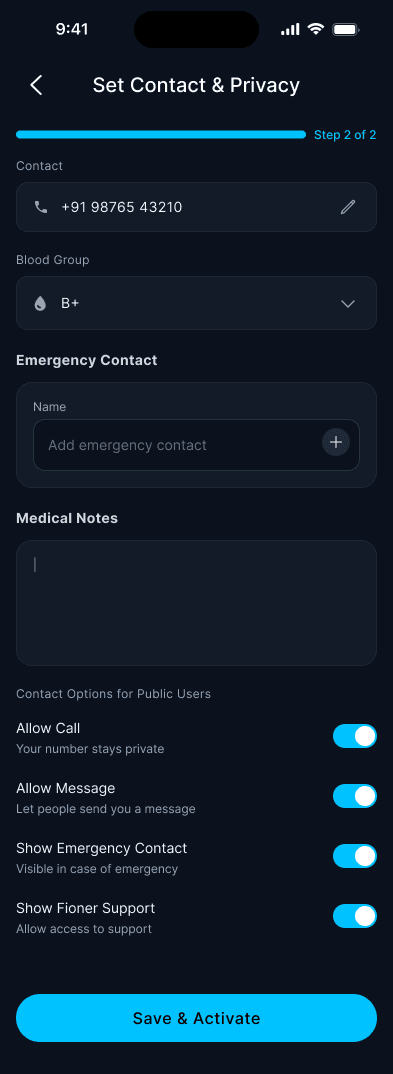
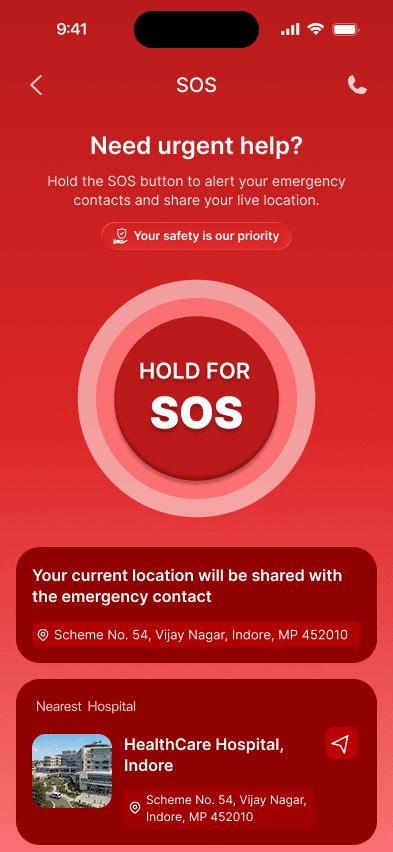
Anyone who scans your QR can reach you through masked calling, with no app needed, and you choose what they see. In an emergency, press and hold SOS to alert your family with your latest location.
Track it.Plan the trip.
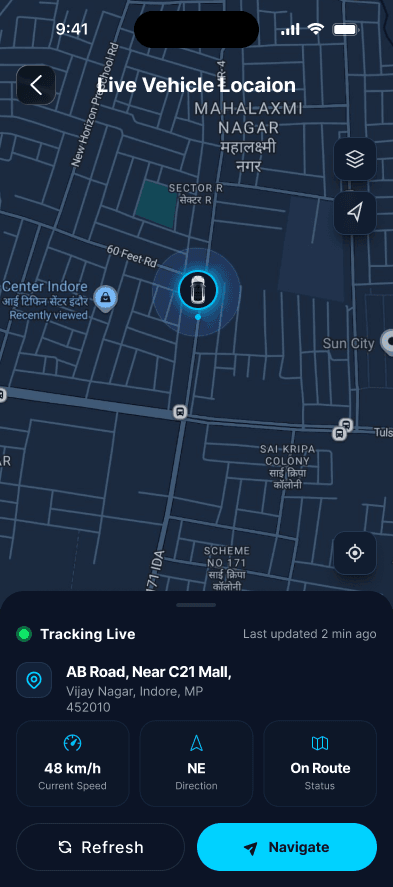
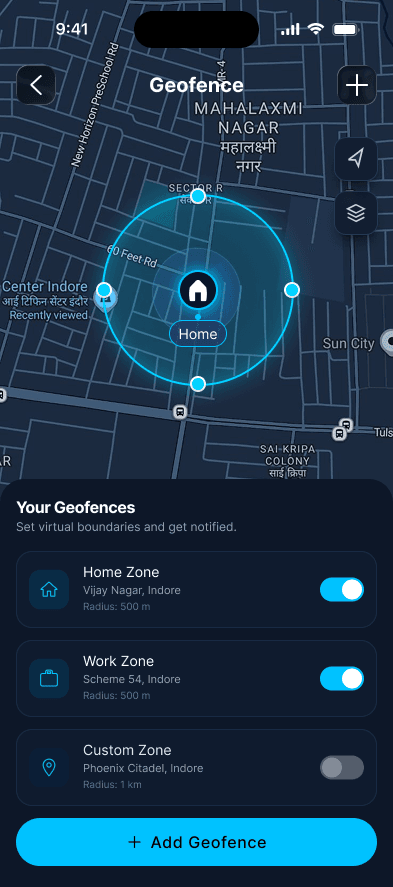
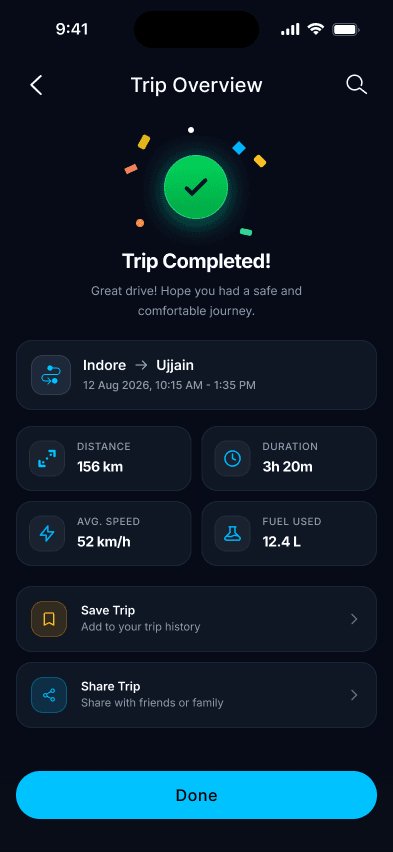
With a compatible GPS tracker, see live location and last-seen status, set geofences and review trips. Then plan your next journey with distance, fuel and toll estimates. Live tracking depends on device and network conditions, and estimates are clearly labelled.
Help isone tap away.
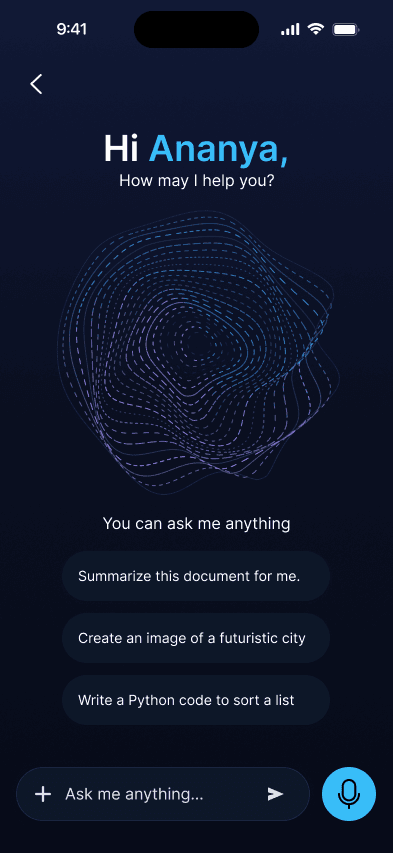
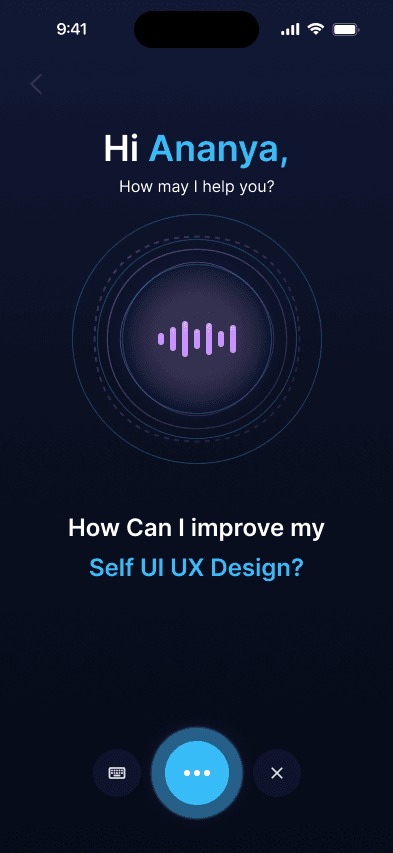
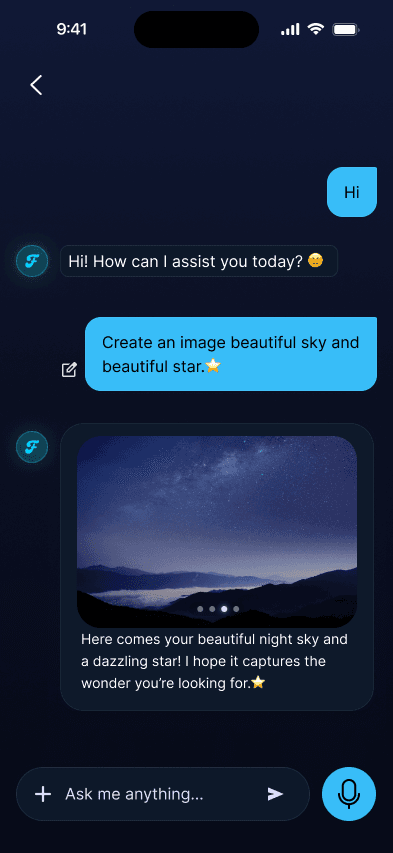
Ask the AI assistant by chat or voice. If it cannot resolve something, a support executive takes over with your conversation, so you never repeat yourself.